Capture Your Photos Blog
Featured




As of last week, I celebrated 16 years in the photo business. This industry has changed dramatically over the years. What once centered around printed albums and shoeboxes of photos is now shaped by smartphones, cloud storage, AI tools, and overwhelming digital clutter. As I’ve watched these shifts unfold, here are 9 lessons I’ve learned with actions you can take to better manage, preserve, and touch hearts with your photos.
AI is transforming the photo management world, however, there are a number of things that can’t be fully automated. Learn how AI tools can streamline photo organizing tasks, while the human touch ensures accuracy, meaning, and emotional context. A balance of the two is what turns a pile of images into a meaningful family photo archive.
External drives have long been one of the most reliable tools in our photo organizing toolbox. They create space to organize efficiently, and can provide a place to store and back up your memories. In the past few months (2026), the price of external hard drives has dramatically increased. Here are some tips on how and which external drives to use, and how to mitigate this increased cost.
Have you ever stumbled across an old photo and wondered, “Where was this taken?” Turning Location Services on for your camera is one of the simplest ways to tag and future-proof your photo memories. It’s like writing on the backs of your photos. Here’s how to do it safely and with privacy top of mind.
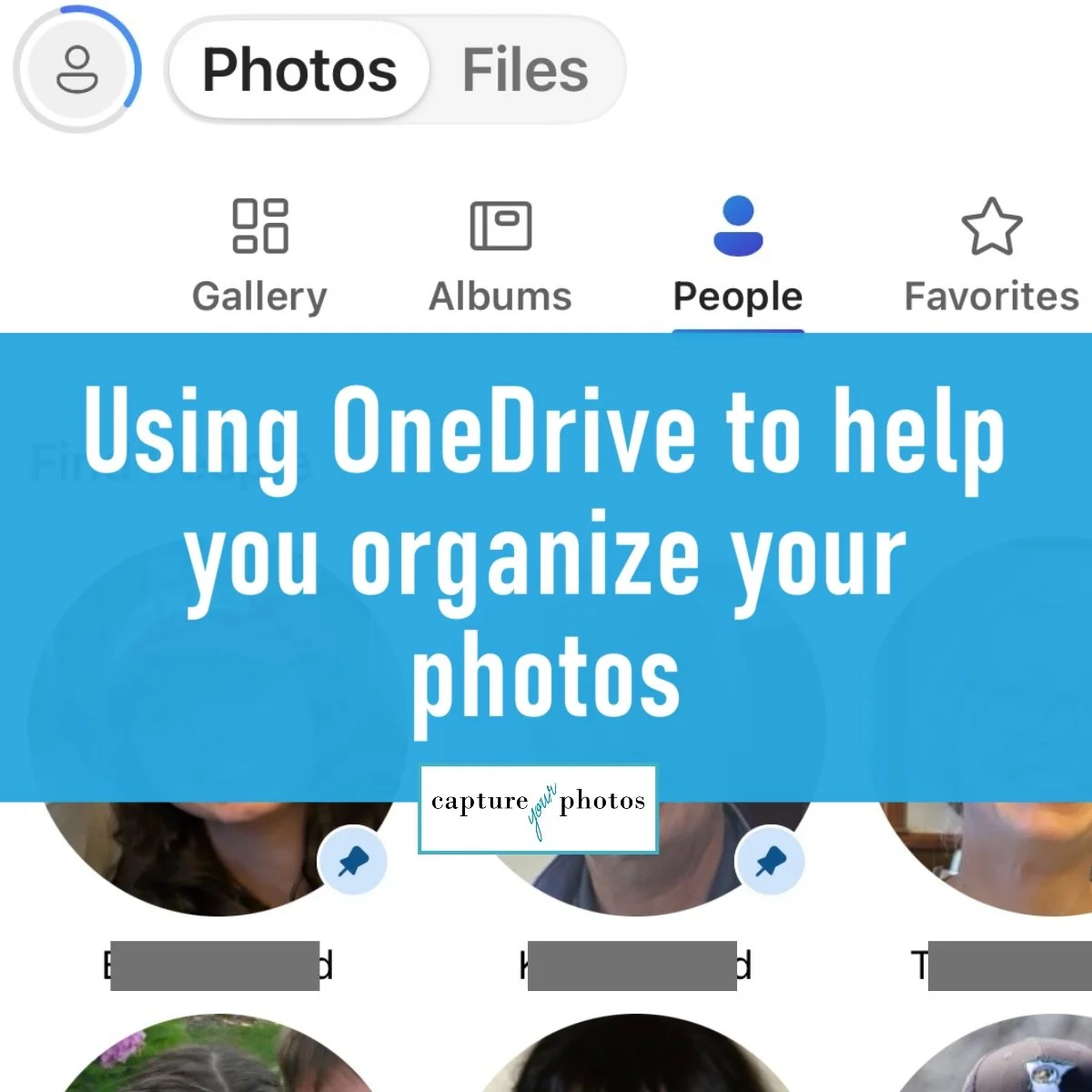
In the most recent Microsoft Windows 11/OneDrive update, Microsoft added 2 new OneDrive features that I’m so excited to talk about, including facial recognition and a needed filter in the Pictures folder. In this blog, we’ll cover these new features, along with my favorite Camera Roll function that I recommend daily to PC users.

Have you ever thought about creating a family legacy album, only to feel overwhelmed before you even begin? You’re not alone. For many people, the desire is there. We want to preserve the stories, traditions, milestones, and memories that have shaped our lives, but we just don’t know how or where to start. What if you could turn just 50 photos into a meaningful family legacy album? Introducing…The Story of Us Blueprint.