External Drives for photos: Tips, SSD vs HDD, and Why Prices Are Rising in 2026
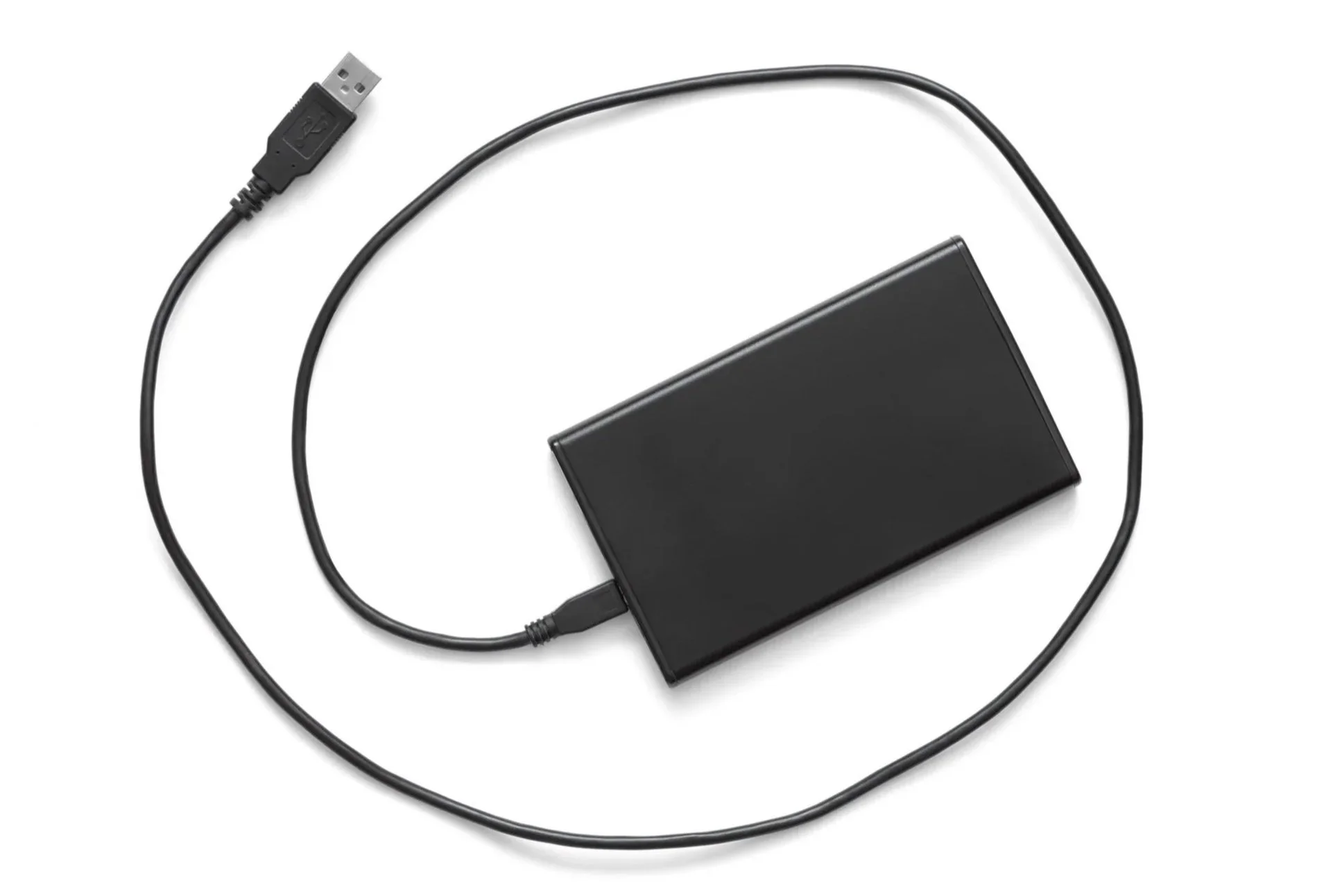
External drives have long been one of the most reliable tools in our photo organizing toolbox. They create space to organize efficiently, and can provide a place to store and back up your memories once everything is in order.
Why do people use external hard drives for their photos?
Getting Started on a photo organizing project. Whenever I start a new photo project with a client, one of the first things we do is purchase a brand new, shiny external drive to use as our project drive. It gives us extra storage space to efficiently consolidate all of their photos. The reason we like to start with a new drive is that studies show that traditional portable external drives have a lifespan of only 3-5 years. A lot of people have old drives hanging around, but starting fresh is just a good idea.
Lack of storage space. Small computer hard drives often don’t have enough storage space to support a full photo and video collection. External drives provide that extra space.
Backup. Best practice for backing up your photos is 3 copies and often one of these copies is an external drive.
What is the difference between a traditional external hard drive (HDD) and a solid state drive (SSD)?
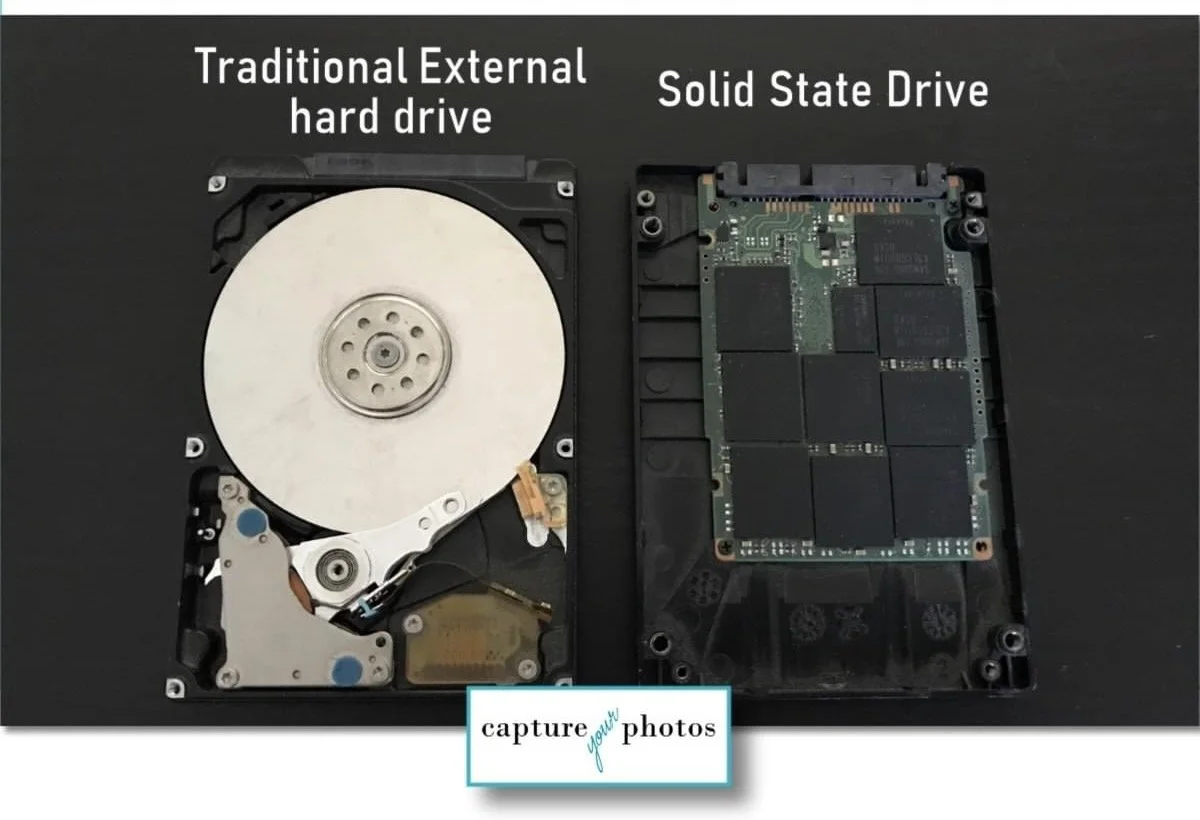
A traditional external hard drive (HDD) has moving mechanical parts inside. It spins like a tiny record player to read and write your data. A solid state drive (SSD) has no moving parts and stores data on flash memory, similar to a large, fast thumb drive.
What this means for you:
Speed: SSDs are much faster.
Durability: SSDs are more shock-resistant because there are no moving parts.
Noise: HDDs can make a faint spinning or clicking sound; SSDs are silent.
Cost: HDDs are usually less expensive for large amounts of storage.
HDDs give you more storage for your money, while SSDs give you more speed and durability.
When clients ask me which type of external drive to purchase, I most often recommend a solid state drive. Here are the ones that I recommend most often: external drive recommendations
Why are they so expensive now?
In recent months, technology companies have been buying massive amounts of storage to power artificial intelligence (AI) systems and large data centers. Companies like Amazon, Microsoft, and Google need enormous, high-capacity hard drives to store and process data. When big corporations purchase drives in bulk, it reduces the supply available for everyday consumers, causing prices to go up.
On top of that, the cost to manufacture drives has increased. The materials and specialized components used to build them have become more expensive, and manufacturers are struggling to keep up with demand.
Tips for storing your photos and mitigating this increase…
If you need to purchase storage for your photos in the near future, here are some tips:
If you are buying a new computer, buy more hard drive space than you think you'll need. Hard drive storage space in a computer is a good investment right now. AND…cloud systems that are syncing with your computer are easier to set up when you are storing your photos on your computer hard drive vs. on an external drive. How much space should you buy? At minimum, I recommend 1tb, but go 2tb or more if you have a large collection and/or if you can afford it.
If you need an external drive just for backup, traditional external hard drives (vs. solid state drives) are less expensive. If the drive is stored in a stable location (you aren't tossing it into a backpack regularly), it should work fine as a backup. If you are using it for your #1 copy of your memories, I would suggest paying extra for the solid state drive.
If you are doing a lot of transferring of data (e.g. photos) or working with lots of data, you may want to bite the bullet and pay the extra cost of a solid state drive. Time is money and a solid state drive will be faster and more efficient.
Compare prices and watch for sales. Check multiple retailers and wait for discounts around major shopping holidays (Prime Day, Black Friday/Cyber Monday, etc.).
Be wary of relying on a cloud storage platform 100% to store your precious memories. Stuff happens. Cloud services go out of business, change policies, and have technical glitches everyday. Always save a full copy of your collection on either your computer hard drive or an external drive in addition to a cloud service, no matter how convenient it is. The external storage is worth the investment in your memories and your legacy.
Overwhelmed with knowing where to start with your photos? Grab our FREE GETTING STARTED GUIDE that includes tips for how to create a plan, how to take inventory of your collection, and provides the form to do it.

Holly Corbid is the Founder/Owner of Capture Your Photos, where we help you to organize, preserve, and share your lifetime of memories. Helping you touch hearts with your photos is our passion. We specialize in digital photo organization and work remotely with clients all over the country.
Looking for a DIY solution? Check out our series of online courses, The Photo Organizing Blueprint.
Find us at www.captureyourphotos.com or contact us here.