Duplicate Photos Explained: What they are, Why they happen, and How to remove them
“I have so many duplicates.”
I hear this ALL the time. It’s one of the most common frustrations people have with their photos, but whenever I hear it, I’ve learned that I need to ask the next question:
“What type of duplicates do you have?”
Not all duplicates are created equal, and that's where much of the confusion begins. When one person says they have duplicates, they may be referring to exact copies of the same file. Someone else may be talking about similar photos that they’ve taken to get the ‘perfect’ photo. Understanding the difference between them is the first step toward finding the right tools to identify and remove them.
Here are 4 types of ‘duplicates’ you might find in your photos:
1. True Duplicates
These are exact copies of the same file. They typically occur when the same photo has been downloaded, backed up, or copied multiple times.
2. Same Photo, Different Formats
You may have scanned a printed photo, taken a picture of that photo with your phone, posted a version on Instagram or Snapchat that you saved, and have an original digital version all of the same photo. While the image content is essentially the same, the files themselves are different formats and sizes.
3. Same Photo, Different Metadata or Resolution
A photo may look exactly the same to you, but under the hood it can be quite different. When photos are downloaded from cloud services or social media, or moved between devices, the file itself is sometimes altered. Metadata such as the creation date, file name, or GPS information may be stripped, replaced, or changed. The image may also be resized or compressed, resulting in a different file size or resolution.
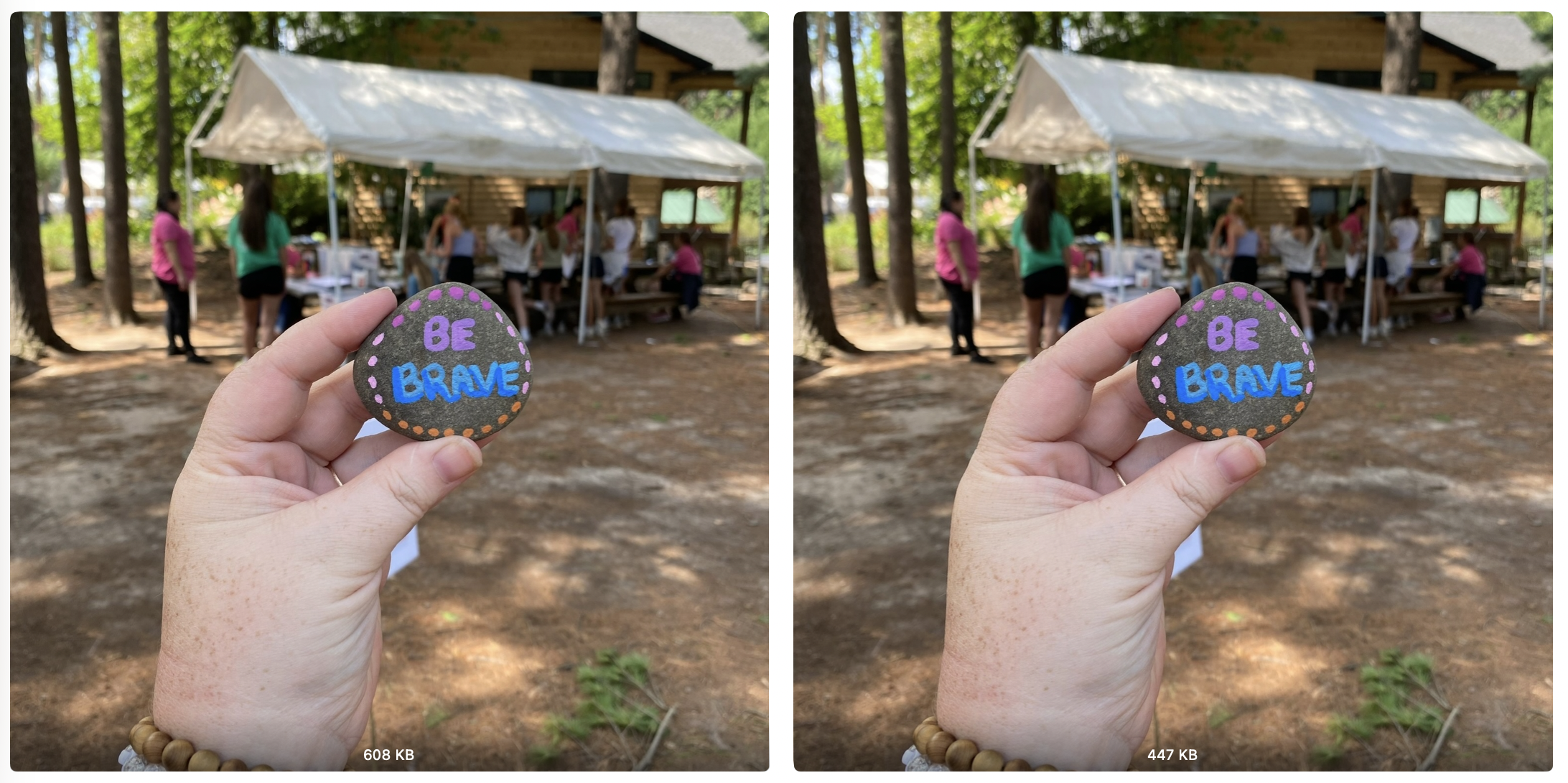
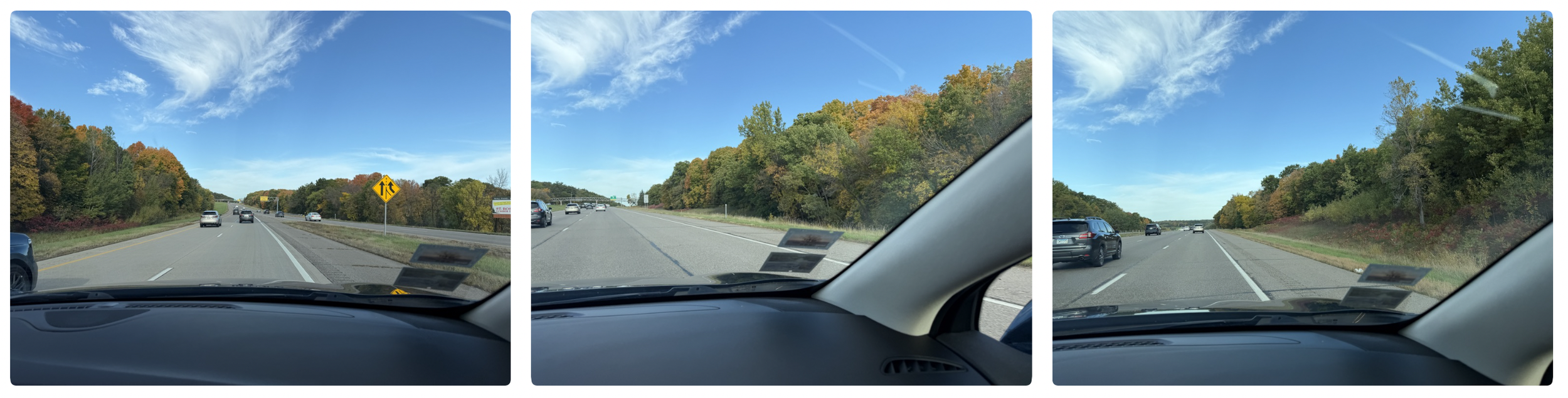
4. Similar Photos…Not Technically Duplicates
If you tapped the shutter button several times to capture the perfect shot, or held it down a bit too long, you'll end up with a series of nearly identical images. These aren't true duplicates because each photo is slightly different, but they often create a lot of clutter and anxiety in a photo collection.
Here’s the challenge…
There are a number of deduplication tools, software, and apps that are excellent at finding true duplicates, but we have to work a little harder to identify photos that exist in different formats, contain different metadata, have been resized, or are simply very similar to one another.
Programs like Duplicate Cleaner Pro for Windows and PhotoSweeper for Mac can help identify much more than exact duplicates, and Apple’s Duplicate Finder is pretty darn good at finding ‘true duplicates’ and those with some variation in their metadata and size.
The key is to approach deduplication in stages, which tools like Duplicate Cleaner Pro and PhotoSweeper can help you do. Start by identifying exact duplicates, which are the easiest and quickest to remove. Then gradually move the needle to analyze very close matches, good matches, and even loose matches. This step-by-step approach helps uncover images that may be the same photo but have different file formats, resolutions, filenames, or metadata due to years of downloading, sharing, editing, and moving photos between devices and services.
As for the ‘similar’ photos, I’d like to offer an unpopular opinion.
Take fewer photos.
When you’re trying to take that perfect shot, challenge yourself to take 3 instead of 10. THEN, challenge yourself that same day, to delete the ones that don’t make the cut. This alone, can significantly help declutter a busy library.
I often get asked if there's an AI tool that can solve this problem automatically. The reality is that while AI is getting better at identifying similar photos, it still can't tell which image captures the moment the way you remember it. Until technology can understand the meaning behind a memory, recognize the expression your child makes that melts your heart, or know why one photo matters more to you than another, deciding which similar photos to keep will require a human touch.
Why do we even care about removing duplicates?
Duplicates are clutter and clutter makes it harder to find and enjoy the memories you really care about. By understanding the different types of duplicates, finding the right tools, and creating a few better habits moving forward, you can build a photo collection that is easier to manage, search, share, and enjoy for years to come.
Are your digital photos all over the place? Are you overwhelmed by all of the software, apps, and cloud services? The DIGITAL PHOTO ORGANIZING BLUEPRINT can help you consolidate your photos into one location, remove the duplicates, and provide direction on storage and backup, all with the support of 16+ years of experience ready to help.

Holly Corbid is the Founder/Owner of Capture Your Photos, where we help you to organize, preserve, and share your lifetime of memories. Helping you touch hearts with your photos is our passion. We specialize in digital photo organization and work remotely with clients all over the country.
Looking for a DIY solution? Check out our series of online courses, The Photo Organizing Blueprint.
Find us at www.captureyourphotos.com or contact us here.